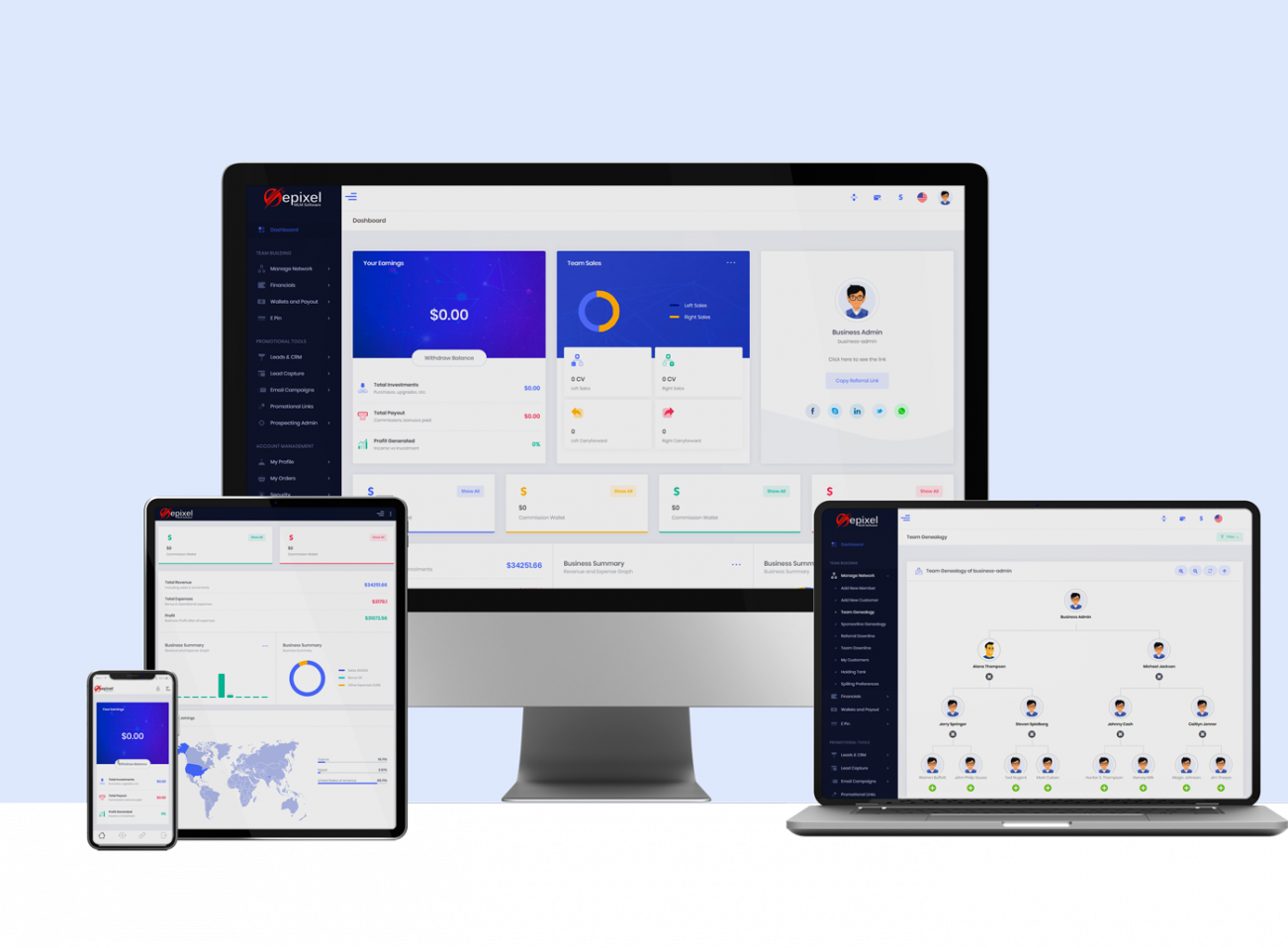
Epixel MLM Software - Back-office Administration
Login
Login
Admin Login to access the Back Office
Admins can access the back office using the following login URL:
Admin Login URL: https://domain-name.domain-extension/en/admin-login/
Example: https://www.example.com/en/admin-login/

To Login enter your Username and Password and then click Sign In to access your dashboard.
If you forgot your password, use the Forgot Password option to reset it.
Forgot Password
If you cannot remember your password, you can create a new one using the Recover Account option.
Steps to Reset Your Password
-
Click Forgot Password? on the login page.
You will be redirected to the Recover Account page. -
Enter your Username or registered Email ID in the provided field.

-
Click the Request button.
A link to reset your password will be sent to your registered email address with instructions. A confirmation message will also be displayed on the screen.
